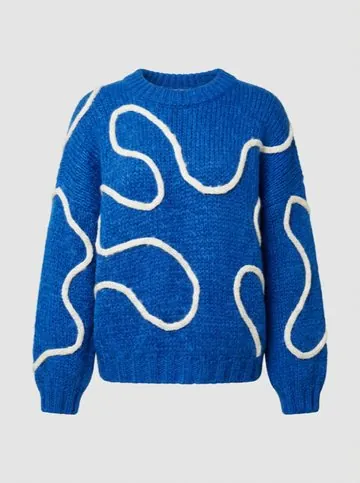
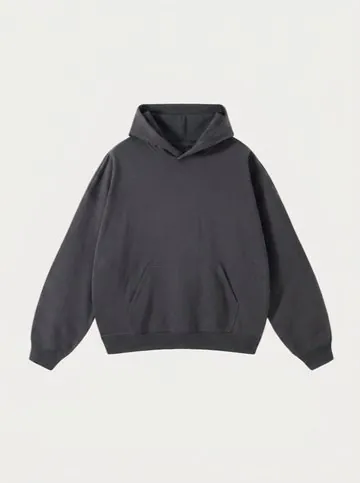
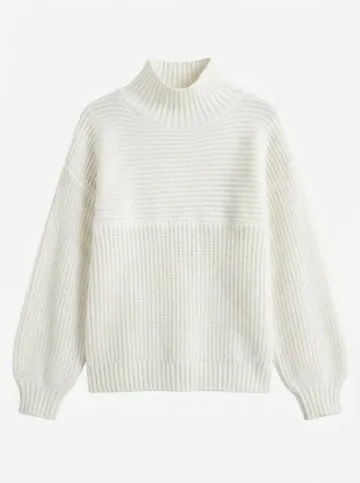
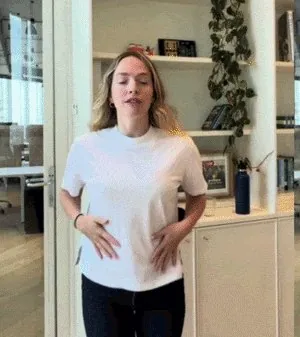
What is AnyWear?
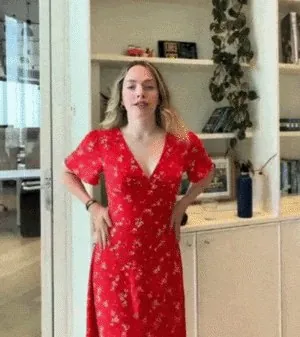
AnyWear (AnyWear.Live) is live virtual try-on. Add a clothing image, turn on your camera and see the piece on you as live video you can move in. Use it right in your browser on your phone or computer, or add the Chrome extension to try on from any store.
Do I need to install anything?
No. AnyWear runs in your browser at anywear.live/try-on. On a computer with Chrome or Edge you can also add the extension, which puts a Try on button on every clothing image you see. Use whichever you like; your balance works in both.
Does AnyWear work on my phone?
Yes. Open anywear.live/try-on in your phone's browser. Try-on runs in landscape, so turn your phone sideways once the camera is on. It starts on the front camera, and you can flip to the back camera at any time.
Is AnyWear free?
Your first 3 try-ons are free when you sign in: 20 seconds each, no card needed. A limited number of people can claim them each day. After that, one-time packs start at $1.99 for 60 seconds of live try-on. There's no subscription.
Do I need an account?
Not to look around: the camera preview and adding clothing images work without one. Sign in with Google or a username and password when you claim your free try-ons, start a live try-on or buy time. Your balance lives on your account, so it works in the browser and the extension, and you keep it if you remove the extension.
Do I need to upload a photo of myself?
No. AnyWear uses your live camera for the length of the session. You only bring the clothing image.
What clothing images can I use?
A photo from your camera roll, one you take, a screenshot, an image dragged or pasted from another site, or a link to a product page. JPG, PNG, WebP, AVIF and iPhone HEIC photos work, up to 20 MB. One garment per image gives the best result.
Which websites does the AnyWear extension work on?
Any site you browse in desktop Chrome or Edge, including Pinterest and Google Images. The Try on button sits on the images themselves, so the store doesn't need to support anything.
Is my camera video saved?
No. Your camera video is used only to create the live try-on and is never saved. The preview before you start stays on your device, and clothing images you add are deleted after 30 days. Read the
Privacy Policy.
What happens if I leave mid-session?
If you switch apps, lock your phone or close the tab, we end the session and charge only the seconds you were live. A floating window that's still open counts as staying. When you come back, tap Continue; we never reconnect on our own, so you're never charged by surprise.
Does pack time expire?
Pack time is valid for 12 months from the day you buy it. If you have time from more than one pack, we use the time that expires first.
Can I get a refund?
Yes, if you haven't used the time: any pack is refundable in full within 14 days. Unused seconds from a session come back to your balance on their own, and time lost to a problem on our side is always returned. See the
Refund Policy.
Does AnyWear tell me my size?
No. It shows how a piece looks on you. Use the seller's size chart to choose your size.